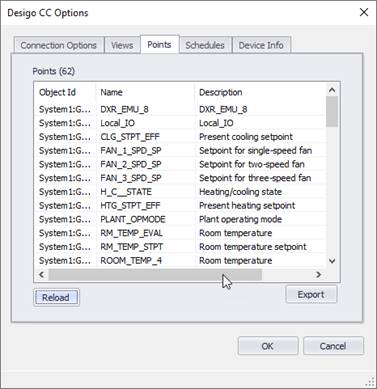
After your views are selected, you can discover all the points within those views.
Reload Points
Click the reload button below the points list to load the available points found in the selected view.
Note: Only the points that are in this list will be available to use in each zone’s action. To add or remove points, you must add or remove them from the system view in Desigo first, then reload the points in Events2HVAC.
Export
Click the export button to export the point list to a CSV file.