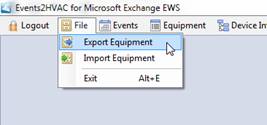
To export a copy of your current equipment database along with the associated devices, select Export Equipment from the File menu.
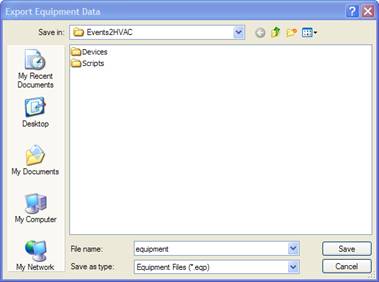
The dialog box below will appear and prompt you to select a location to save the file. Note the .EQP extension of the exported file.